RVG | ENT
SIGNAGE+
Cloud Digital Signage Platform
CLOUD DATABASE ONLINE
DEV.7.3
SIGNAGE+ Control Center
Multi-location digital signage management for organizations,
locations, channels and individual displays.
ORGANIZATIONS
ORGANIZATION
RAG | ENT Demo Organization
RAGENT-DEMO
ACTIVE
ORGANIZATION
SIGNAGE+ Test Company
SIGNAGE-TEST
ACTIVE
ORGANIZATION
Second Baptist Church | Pedricktown
SBCP
ACTIVE
NEW CUSTOMER ONBOARDING
Build a SIGNAGE+ tenant in order: Organization → Location → Channel → Display. Existing organizations and playlists are not changed.
Short unique code; letters, numbers and hyphens.
DISPLAY MANAGEMENT
Step 4 of onboarding: register a SIGNAGE+ display, assign its location and channel, then use the generated TV URL below.
Unique ID used in the display URL.
Friendly name shown in the Control Center.
Enable for dedicated signage devices that support Live Audio.
REGISTERED DISPLAYS
DEMO-TV-01
RAG | ENT Demo TV
Location
Demo Office
Channel
Demo Signage
TV URL
/display/DEMO-TV-01
ACTIVE
Live Audio
ENABLED
TEST-HQ-TV-01
Test Headquarters Main TV
Location
Test Headquarters
Channel
Main Signage
TV URL
/display/TEST-HQ-TV-01
ACTIVE
Live Audio
MUTED
DC-LOBBY-01
Dorn Center Lobby
Location
Edward W. Dorn Community Center
Channel
Dorn Center
TV URL
/display/DC-LOBBY-01
ACTIVE
Live Audio
ENABLED
TEST-TV-01
SIGNAGE+ Test TV
Location
Second Baptist Church
Channel
Church
TV URL
/display/TEST-TV-01
ACTIVE
Live Audio
ENABLED
SIGNAGE REMOTE
Control all TVs, a channel, or an individual display. Test the target,
switch it to YouTube Live, or return it to digital signage.
Remote commands are isolated to this organization.
Only targets owned by the selected organization are available.
Required only for Start Live.
MEDIA LIBRARY
Upload and manage SIGNAGE+ media, see where each item is used,
and safely add or remove media from channel playlists.
Media is stored under this organization and can only be assigned to its channels.
Filter the Media Library by organization.
Friendly name shown in the SIGNAGE+ Media Library.
Select an image or video from your computer.
PREVIEW
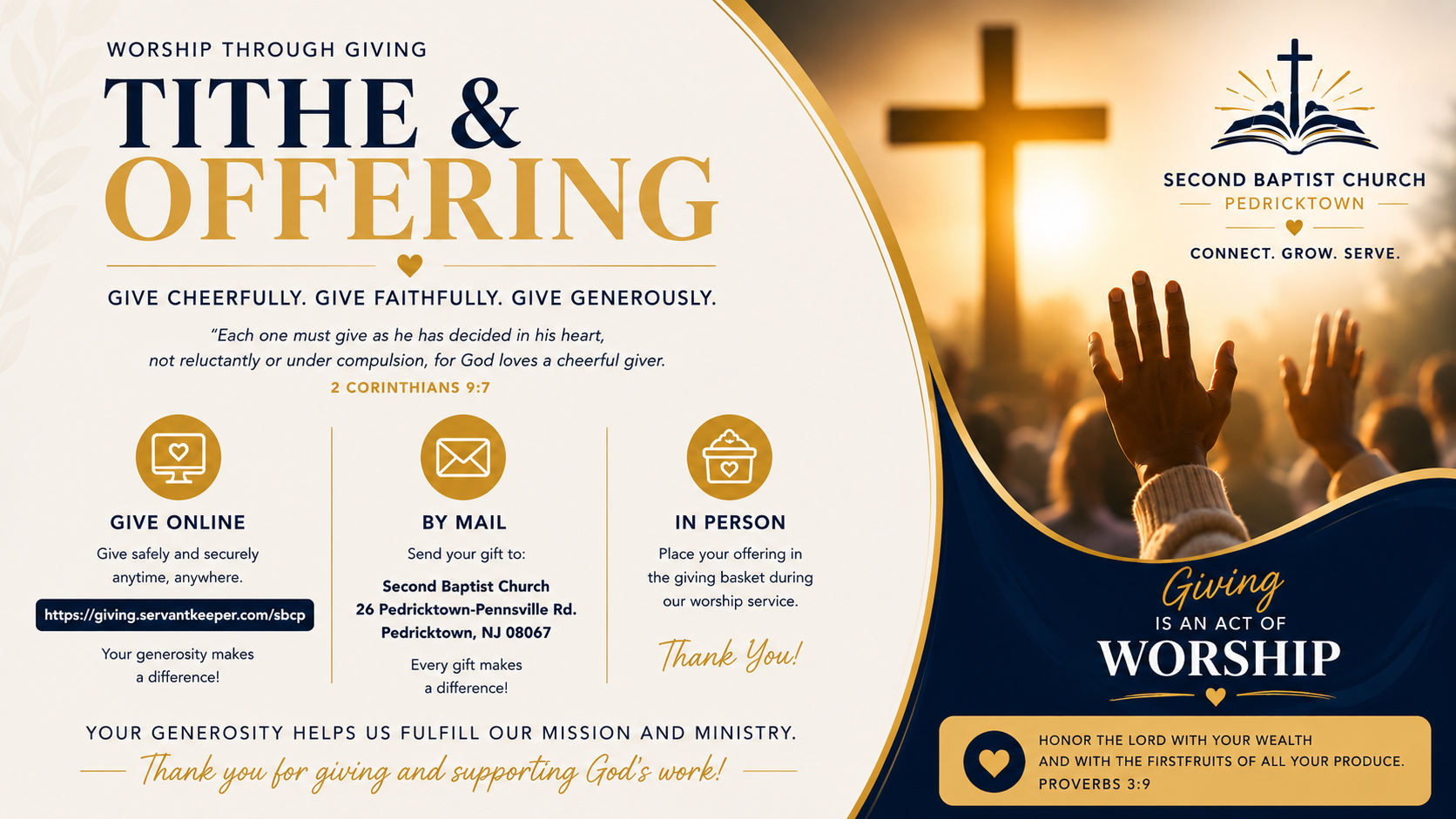
DEV.6.8 Organization Test
IMAGE
ORGANIZATION
Second Baptist Church | Pedricktown
STATUS
ACTIVE
MEDIA ID
5
USED IN PLAYLISTS
Church
ASSIGN TO CHANNEL
PLAYLIST
PREVIEW
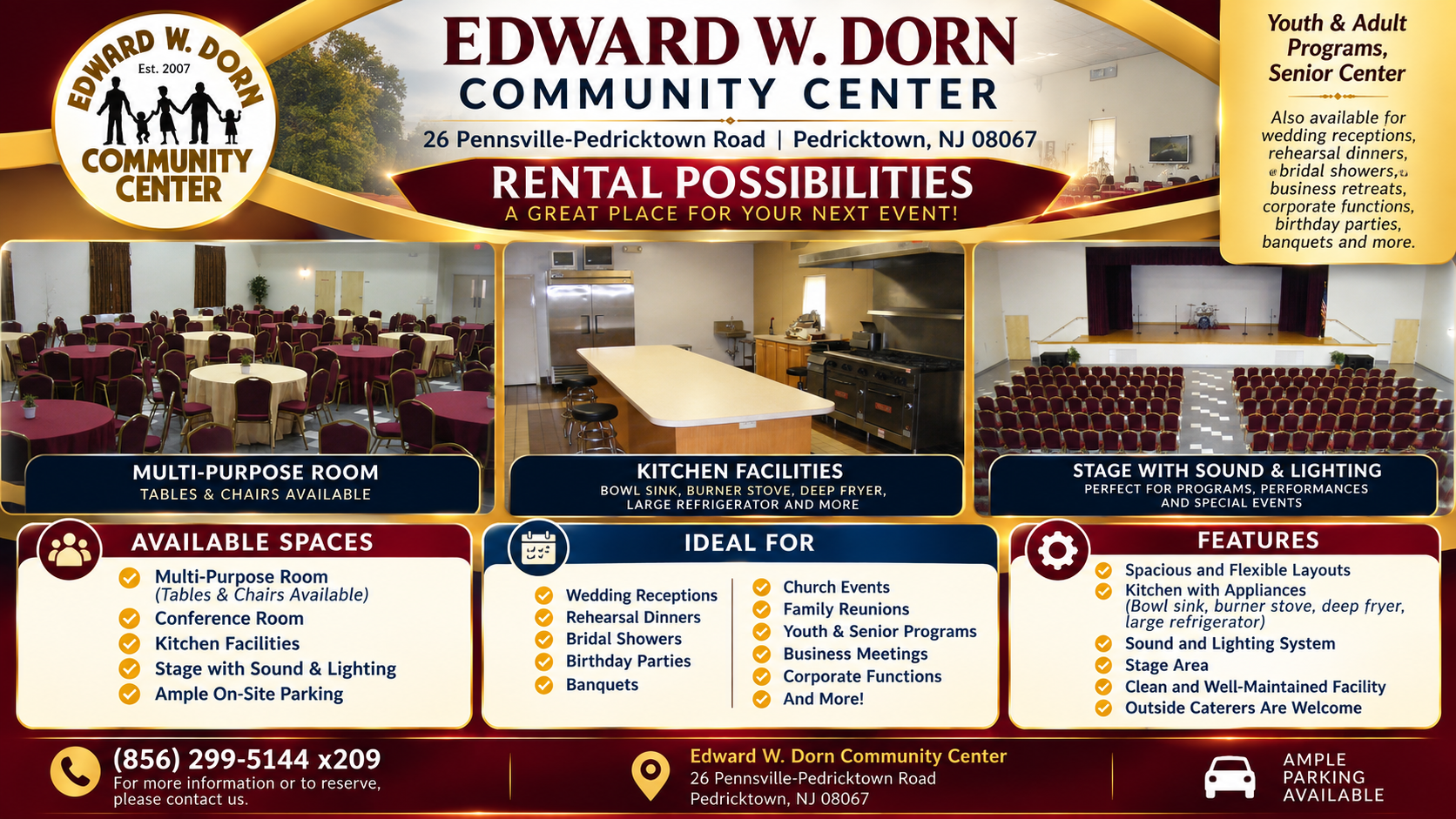
Dorn Center Rental Possibilities
IMAGE
ORGANIZATION
Second Baptist Church | Pedricktown
STATUS
ACTIVE
MEDIA ID
2
USED IN PLAYLISTS
Dorn Center
ASSIGN TO CHANNEL
PLAYLIST
PREVIEW
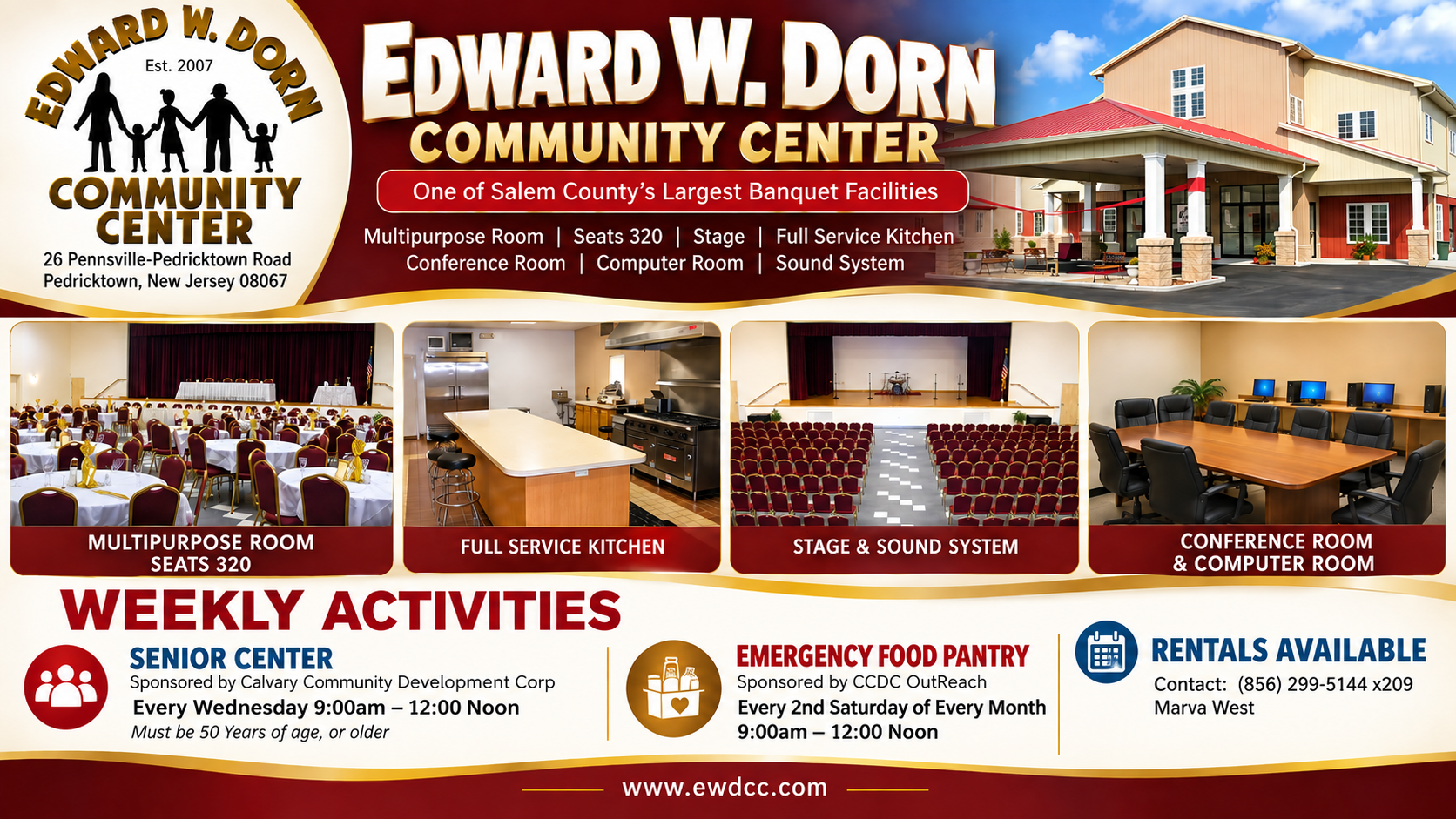
Dorn Center Weekly Activities
IMAGE
ORGANIZATION
Second Baptist Church | Pedricktown
STATUS
ACTIVE
MEDIA ID
3
USED IN PLAYLISTS
Dorn Center
ASSIGN TO CHANNEL
PLAYLIST
PREVIEW
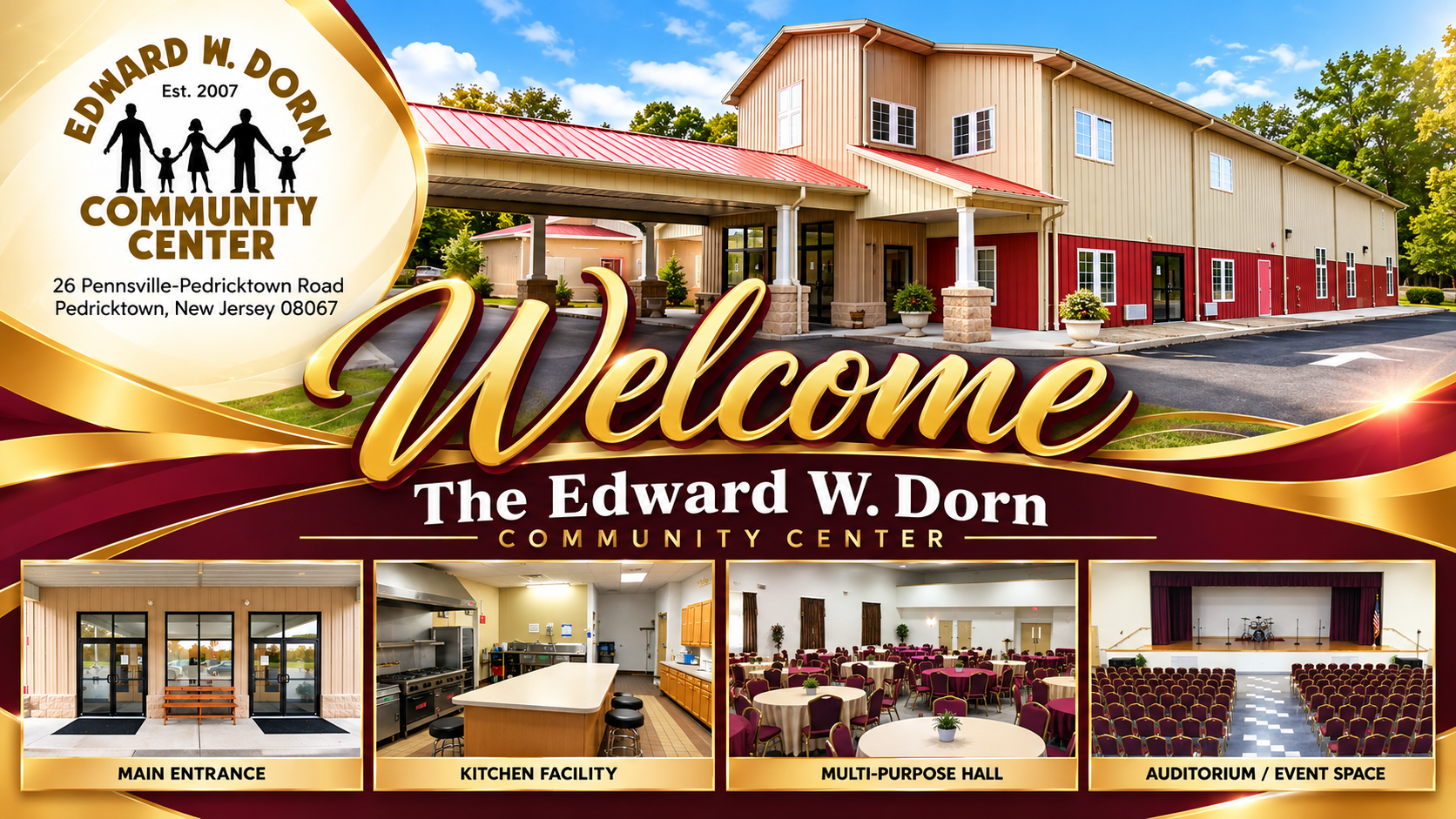
Dorn Center Welcome
IMAGE
ORGANIZATION
Second Baptist Church | Pedricktown
STATUS
ACTIVE
MEDIA ID
1
USED IN PLAYLISTS
Dorn Center
ASSIGN TO CHANNEL
PLAYLIST
PREVIEW
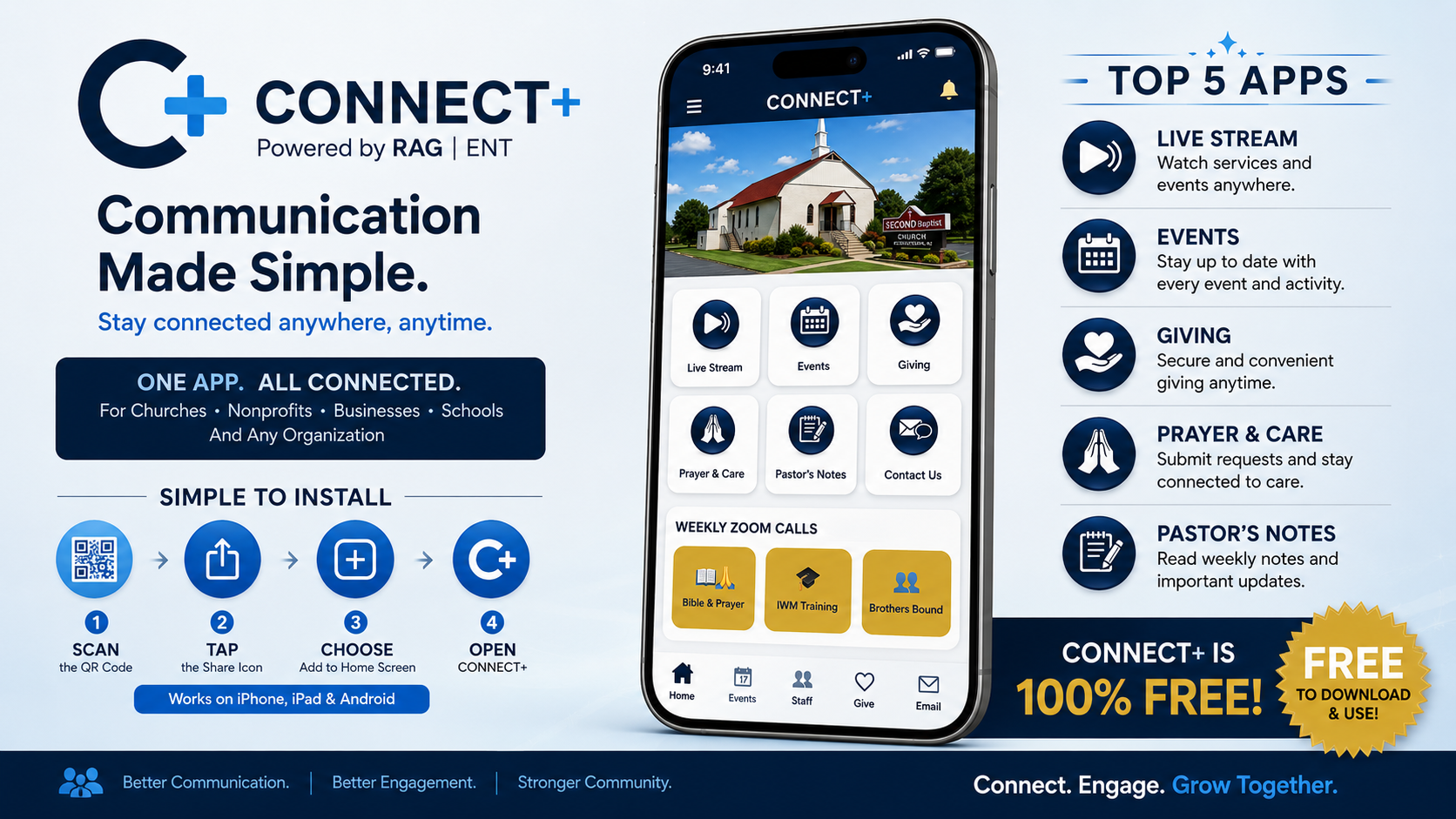
RAG ENT Demo Media Test
IMAGE
ORGANIZATION
RAG | ENT Demo Organization
STATUS
ACTIVE
MEDIA ID
6
USED IN PLAYLISTS
Demo Signage
ASSIGN TO CHANNEL
PLAYLIST
PREVIEW
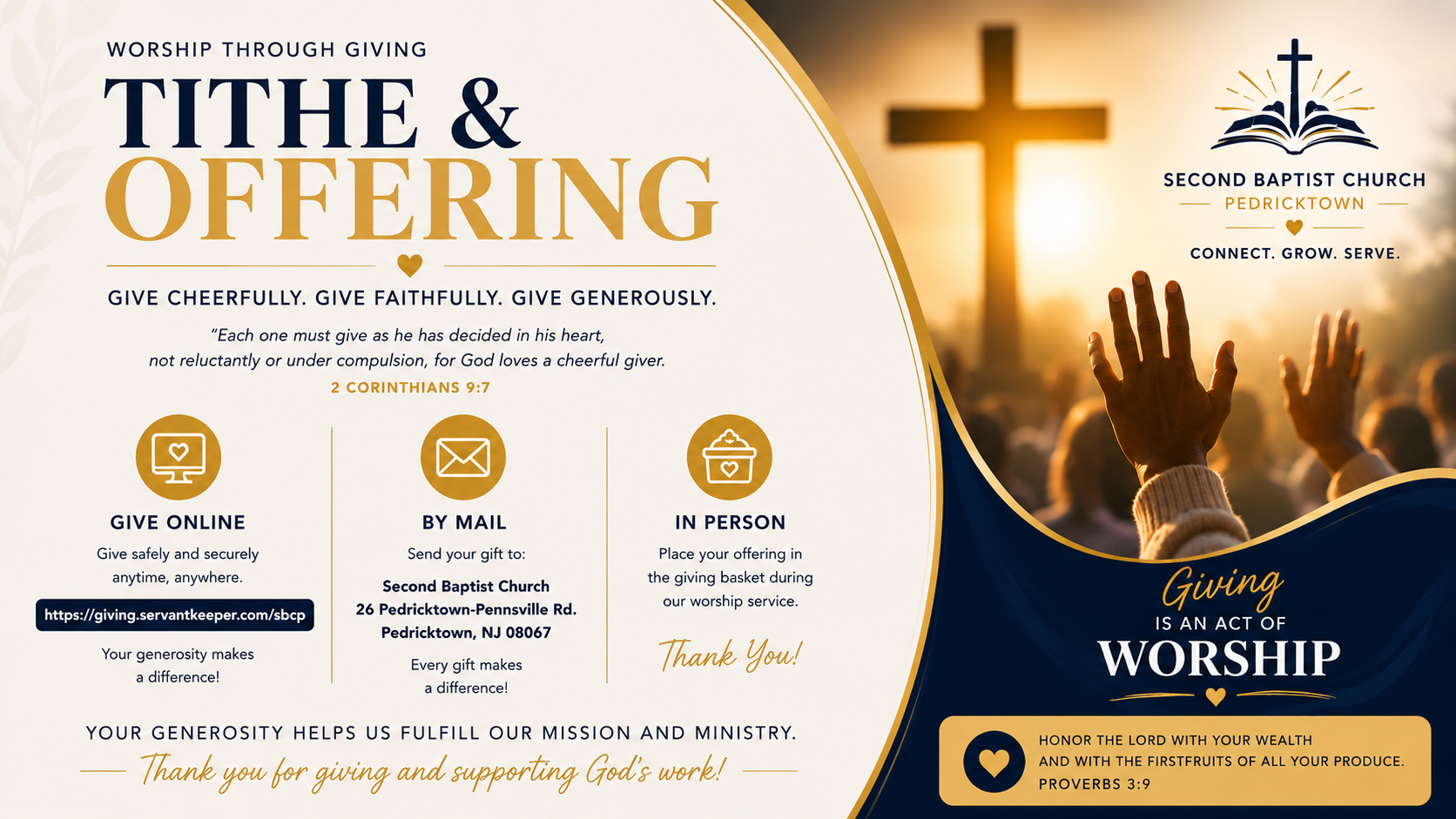
SIGNAGE+ Upload Test
IMAGE
ORGANIZATION
Second Baptist Church | Pedricktown
STATUS
ACTIVE
MEDIA ID
4
USED IN PLAYLISTS
Not currently used
ASSIGN TO CHANNEL
PLAYLIST
PLAYLIST MANAGER
Current signage content by channel. Adjust slide duration or
enable and disable playlist items from this control center.
This view follows the organization selected in Media Library View.
CHANNEL
Church
CHURCH
1
ITEM
1
DEV.6.8 Organization Test
DURATION
SEC
ACTIVE
CHANNEL
Demo Signage
DEMO
1
ITEM
1
RAG ENT Demo Media Test
DURATION
SEC
ACTIVE
CHANNEL
Dorn Center
DORN
3
ITEMS
1
Dorn Center Welcome
DURATION
SEC
ACTIVE
2
Dorn Center Rental Possibilities
DURATION
SEC
ACTIVE
3
Dorn Center Weekly Activities
DURATION
SEC
ACTIVE